Call us:



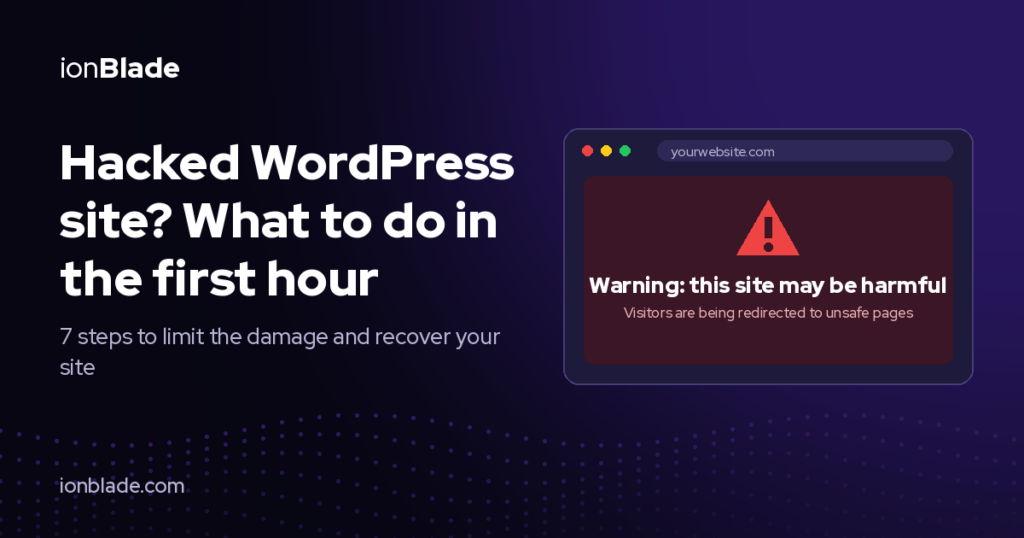
Finding out your website was hacked is stressful. Maybe visitors are being redirected to strange
pages, Google shows a warning, or your homepage looks different. The good news: if you act fast and
in the right order, you can limit the damage and get your site back.
Here’s what to do in the first hour.
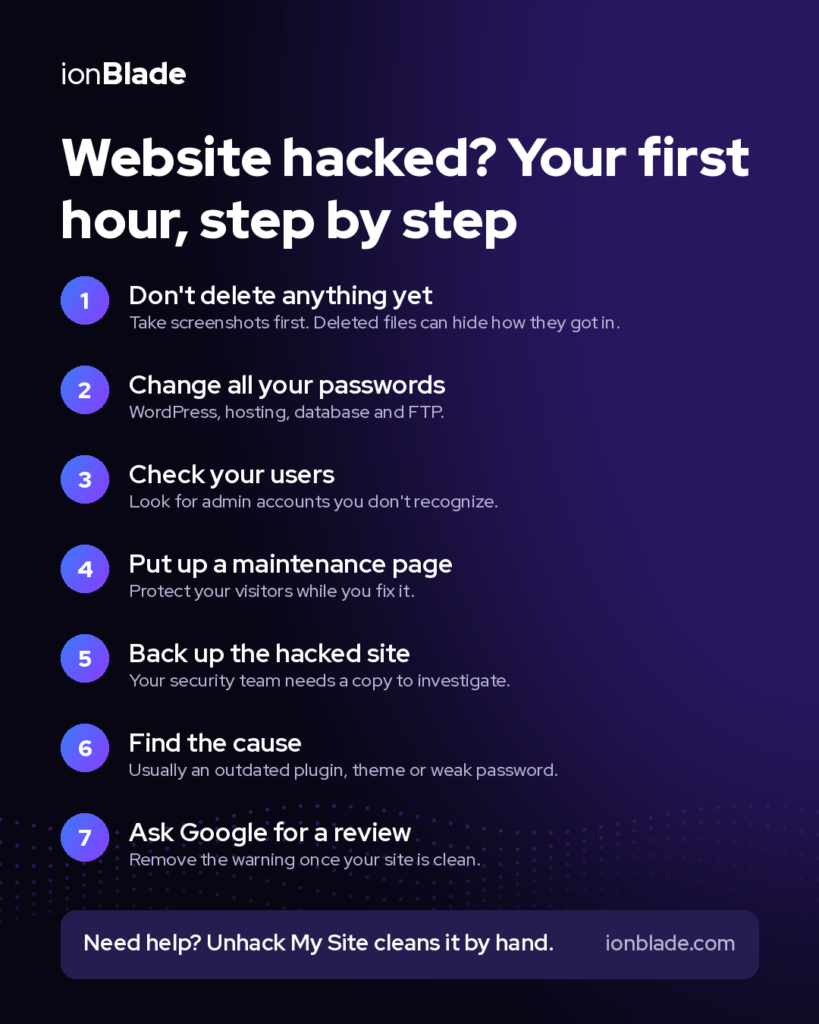
1. Don’t panic, and don’t delete anything yet.
It’s tempting to start deleting suspicious files right away. Don’t. You may remove evidence that shows
how the attackers got in, and you may break your site even more. First, take a breath and document
what you see: take screenshots of strange pages, warnings and messages.
2. Change your passwords.
Change the passwords for your WordPress admin account, your hosting account, your database and
your FTP or SFTP accounts. Use strong, unique passwords. If other people have admin access, ask
them to change theirs too.
3. Check who has access.
In WordPress, go to Users and look for admin accounts you don’t recognize. Hackers often create a
hidden admin account so they can come back later. Note them down before removing them.
4. Put up a maintenance page.
If your site is redirecting visitors or showing harmful content, turn on a maintenance page. This
protects your visitors and your reputation while you fix the problem.
5. Make a backup of the current state.
Back up the hacked site before you change anything. It sounds strange, but it gives you and your
security team a copy to investigate.
6. Find the cause, not just the symptoms.
Removing one infected file rarely solves the problem. The attackers usually got in through an
outdated plugin, a weak password or a vulnerable theme. If you only clean the surface, the hack often
comes back within days.
7. Ask Google to review your site.
After your site is clean, log in to Google Search Console and request a security review to remove the
“This site may be harmful” warning.
When to call in expertsIf you’re not sure what you’re doing, or the hack keeps coming back, get professional help. Our
Unhack My Site team cleans websites by hand, without relying on automated scanners. We find the
root cause, remove the malware, fix the security gaps and tell you how to stay safe.